

Top RFID Chip Tags: Key Features and Buying Guide for Smart Tracking
2026-11-01
Choosing the right RFID chip tag can feel like navigating a minefield of specs and marketing hype — especially when a single misstep in read range, memory capacity, or frequency could derail your entire smart tracking project. Whether you're tagging high-value assets in a warehouse, tracking livestock across open fields, or embedding tags into consumer products for retail inventory, the wrong chip means wasted money and frustrated teams. This guide cuts through the noise, breaking down the key features that actually matter and what to look for before you buy. And while we’re at it, we’ll show you how OSRFID has quietly become a go-to source for reliable, real-world-tested RFID chip tags that don’t overpromise — they just work.
Why Frequency Choice Makes or Breaks Your RFID Tracking Setup
The moment you pick a frequency, you're also choosing how radio waves interact with everything from water bottles to steel shelving. Low-frequency tags around 125 kHz push through moisture and animal tissue without much trouble, but you'll be lucky to read them from more than a few centimeters away. Ultra-high frequency tags in the 860-960 MHz range can be spotted from several meters, yet the same water and metal that LF ignores will scatter or absorb that signal fast. A tracking setup that works beautifully in a dry cardboard warehouse can turn useless in a cooler full of liquid products if nobody thought through the physical layer first.
Frequency also sets the ceiling for how many tags you can read at once and how quickly. UHF protocols are built for speed and dense tag populations, which is why a dock door portal can capture dozens of cartons in a second. HF at 13.56 MHz is more deliberate, great for close-range item-level checks or secure NFC taps, but it will choke if you expect it to inventory a pallet from across the room. LF is even slower and mostly single-tag oriented. Picking the wrong one doesn't just slow down a scan; it forces workers to re-handle assets or invent workarounds that quietly erode the whole system's reliability.
The regulatory map matters too. UHF RFID doesn't live on one global band, so a tag tuned for North America's 902-928 MHz can perform poorly in Europe's 865-868 MHz range or violate local power limits. Even within one region, the surrounding environment can shift the effective read zone—metal shelving detunes some antennas, while dense plastic packaging can absorb enough energy to cut read range in half. A setup that ignores these constraints might pass a pilot test but fail when deployed across multiple facilities, turning a promising tracking project into an expensive lesson in frequency physics.
Memory Capacity: The Hidden Factor That Determines Data Flexibility
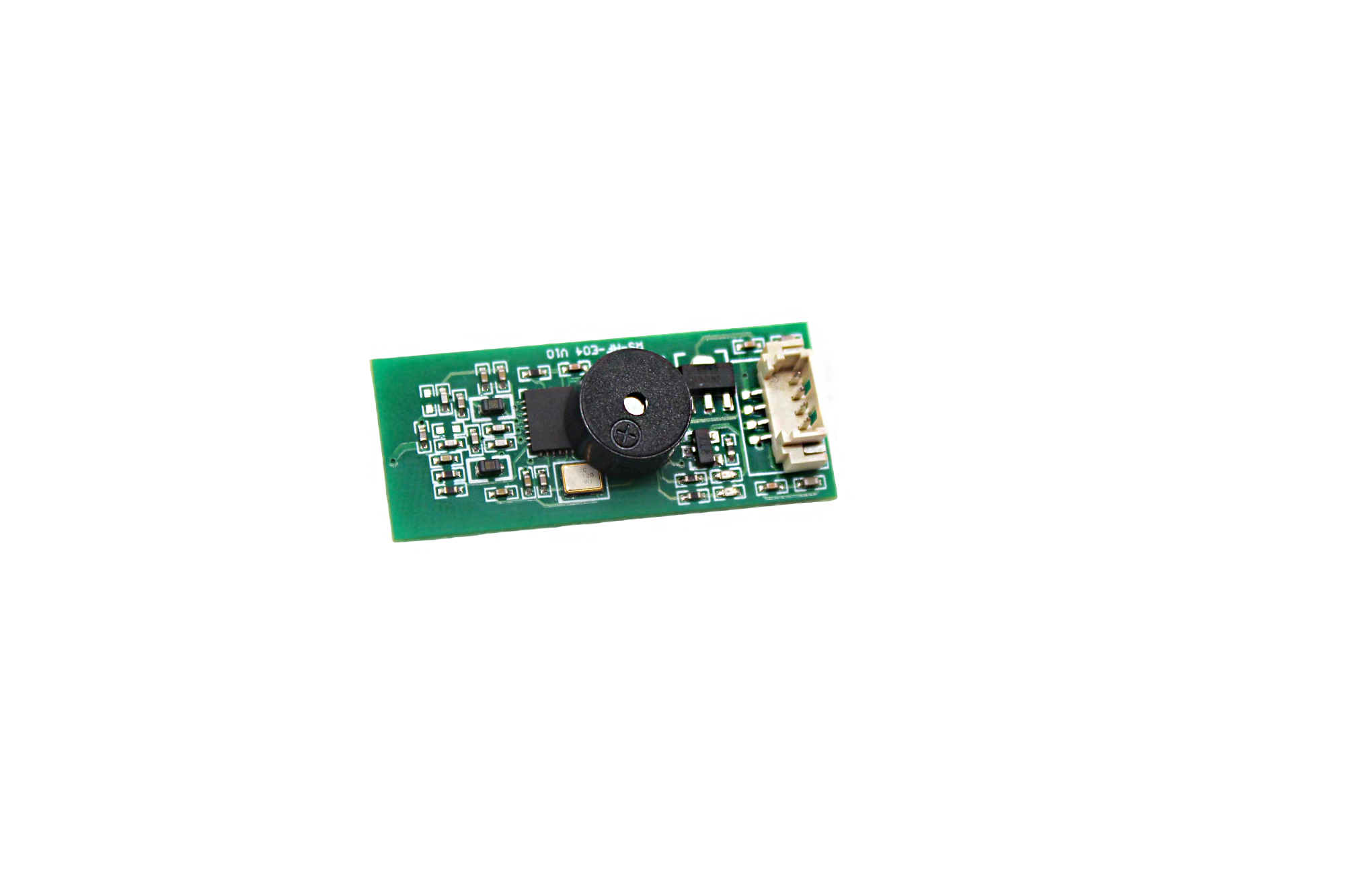
When evaluating storage systems, most people focus on speed or interface types, yet memory capacity quietly dictates how flexibly data can be handled across different workloads. A larger buffer allows the system to absorb bursts of incoming information without stalling, effectively smoothing out performance spikes that would otherwise force immediate disk writes or expensive recomputation. This hidden headroom means that tasks like image processing, real-time analytics, or even video editing can proceed with fewer interruptions, simply because the system has more room to stage data before it needs to commit to slower storage layers.
Capacity also shapes the granularity of data transformations. With ample memory, you can hold multiple versions of a dataset in flight, compare them side by side, or pivot between different views without constantly serializing back to disk. Smaller capacities force a more rigid pipeline: extract, process, write, repeat. Larger capacities let you keep intermediate states alive longer, which in turn encourages more exploratory approaches to data handling. This is especially relevant in machine learning preprocessing, where feature engineering benefits from being able to keep raw and derived columns simultaneously resident.
Beyond raw size, the way capacity is distributed matters. A single huge block of memory is less flexible than a well-managed hierarchy of caches, scratch buffers, and persistent areas. Systems that expose fine-grained control over memory allocation—such as user-defined buffer pools or ring buffers—allow applications to adapt to changing data shapes without overcommitting resources. The hidden factor, then, is not just how many gigabytes you have, but how intelligently that capacity can be reshaped to match the data's current form.
From Laundry to Logistics: How Tag Durability Impacts Real-World Use
A label that survives ten wash cycles might still fail in a shipping yard. Durability isn’t a single spec—it’s a question of environment. In laundry, tags face hot water, detergent, mechanical friction, and steam pressing. In logistics, the same tag might be scraped against conveyor belts, exposed to diesel fumes, or scanned after sitting in direct sunlight for hours. The gap between these settings is why field testing matters more than lab ratings.
When tags wear too quickly, the downstream costs hide in plain sight. A smeared barcode on a hospital linen cart means manual counting. A cracked RFID inlay on a returnable pallet forces re-tagging at the dock. These interruptions rarely appear on a durability datasheet, but they shape whether a system gets trusted or quietly abandoned. Real-world use punishes the edge cases first—edges like zipper abrasion, freezer condensation, or repeated flexing around a garment seam.
The practical answer isn't always a thicker tag. Sometimes it’s choosing a different attachment method for high-friction zones, or switching from thermal transfer to laser marking for chemical resistance. Durability decisions ripple through the entire workflow: a tag that lasts twice as long can cut replacement labor in half, but only if the data encoding stays legible under the same stress. Testing should mimic the worst day, not the average one.
Size vs. Read Range: Finding the Sweet Spot for Your Application
Most RFID and NFC tags follow a simple rule: a larger antenna generally pulls in more energy and reflects a stronger signal, which translates to longer read range. But this comes at a cost—physical size. When you're designing a tag into a product, you can't just pick the biggest antenna and hope it fits. The challenge is to match the tag's dimensions with the distance at which you actually need to read it. A tiny 10mm tag might work fine for tapping a phone against a label, but it will struggle if you want to scan items from across a loading dock.
Consider what the tag has to live through in your specific environment. In asset tracking on a warehouse floor, a larger inlay—say 50mm to 70mm—often makes sense because the extra read range lets workers capture pallet data without climbing ladders. But in medical instruments or small tools, that same size is impractical; a compact tag with a read range of just a few centimeters is perfectly adequate when the reader is always within arm's reach. Material also plays a role: tags on metal or liquid-filled containers can lose a lot of their free-air read range, so you may need a slightly larger tag just to hit the minimum distance you had before.
This is why the "sweet spot" is rarely a single number. It's the point where your tag's footprint is acceptable for the product's design, and the read range is reliable for the actual use case—not the manufacturer's quoted range measured in ideal conditions. A useful approach is to order a small set of tags in two or three nearby sizes, tape them to the real object, and walk through the intended workflow. You'll often find that bumping up one antenna size gets you the extra half-meter you need without ruining the product's look or adding significant cost.
Compatibility Check: Will Your RFID Tags Play Nice With Existing Readers?
Before you buy a batch of tags or upgrade a reader, the first thing to check is whether both ends speak the same air interface protocol. EPC Gen2 (ISO 18000-6C) covers most UHF deployments, but older proprietary readers might only understand ISO 18000-6B or even a vendor-specific command set. A tag that’s technically UHF won’t help if the reader’s firmware expects a different modulation or encoding.
Even within the same protocol, not every tag behaves the same. Some readers rely on optional commands like BlockWrite or custom memory bank access to speed up inventory. If your new tags implement only the mandatory command subset, throughput can drop noticeably or certain features won’t work. Check the tag chip datasheet against the reader’s supported command list, not just the frequency label on the box.
Beyond protocol, actual readability depends on how the tag antenna is tuned and how it interacts with the material it is attached to. A tag designed for cardboard may detune on metal or liquid containers, making it invisible to a reader that worked fine with older labels. Testing a small sample in real operating conditions beats any spec sheet comparison.
Cost Per Tag: Balancing Budget and Performance Without Cutting Corners
Most budgets treat tags as a line item: multiply the number of tags by a flat rate and move on. That math ignores the real cost drivers—duplicate events, bloated payloads, and tags that fire on pages where they do nothing. Pull a weekly report of tag requests and sort by volume. You'll often find a handful of tags eating 80% of your quota while adding little measurable value. Killing those isn't cutting corners; it's removing dead weight before you negotiate the next contract.
Performance and price don't have to be enemies. The cheapest tag container often ships with generic load rules and no built-in throttling, so your pages stall while third-party scripts wake up. Spending a bit more per tag for one that supports request batching and edge caching can lower both page weight and total tag calls. Run a simple before-and-after test on your top mobile pages: if the lighter tag setup holds conversion steady and trims load time by half a second, the higher unit cost pays for itself within a month.
Vendor pricing usually starts as a quote, not a verdict. Ask for event-level pricing instead of pageview-level pricing, and request a cap on refresh rates for passive data like recency or frequency segments. If you can point to redundant pixels and a trimmed trigger map, most vendors will drop the per-tag fee by 15–30% without changing what you actually track. That's the whole point: you're not buying fewer tags, you're buying smarter ones.
FAQ
Look for weatherproof housings and an IP rating of at least IP67. You'll want tags with UV-stable plastics and a temperature range that matches your local extremes. Some tags use epoxy or ceramic cores for extra durability. Also check that the adhesive or mounting method can handle repeated rain, dust, and direct sun without peeling or cracking. For really harsh conditions, consider tags with a silicone jacket or fully encapsulated design.
UHF tags typically give you longer read ranges, anywhere from 3 to 15 meters depending on the reader and tag size, so they suit warehouse or yard tracking. HF tags, usually at 13.56 MHz, max out around 10 to 30 cm but work better near liquids and human bodies. If your items include metal or water containers, UHF on-metal tags exist but cost more. For close-range authentication like access cards or library books, HF makes more sense.
Standard tags often fail on metal because the conductive surface detunes the antenna. You need on-metal or anti-metal tags, which have a foam or ceramic spacer between the antenna and the surface. These are thicker and more expensive but essential for tool tracking, IT assets, or vehicles. Some can be mounted with screws or high-bond adhesive. Don't rely on regular hang tags for metal shelves; they may not read at all.
Read range depends on tag size, frequency, reader power, and environment. A tiny UHF tag no bigger than a fingernail might only give you 1 to 2 meters. A credit-card-sized UHF tag can reach 8 to 12 meters under ideal line-of-sight conditions. HF tags rarely exceed 30 cm, regardless of size. Always test in your actual setting, because walls, metal racks, and other RF noise will cut the range by half or more.
Yes, specialized tags with ceramic or high-temperature polymer housings can handle 200°C or more for short periods. Look for tags rated for autoclave sterilization or industrial ovens if you need that. Chemical-resistant tags often have PTFE or epoxy encapsulation. But these premium tags cost several dollars each, so only pay for them where standard tags would melt or degrade. Check the manufacturer's thermal cycle rating, not just peak temperature.
Most passive UHF tags use EPC memory from 96 to 128 bits, which stores a unique ID or small code. That's plenty for linking to a database. Some tags add 512 bits to 64 kilobits of user memory if you need to store sensor data or maintenance logs onboard. More memory raises the cost and slightly slows reads. Unless you can't rely on a network or backend, stick with 96-bit EPC and keep the details in your software.
Yes, most passive UHF and HF tags support thousands of write/erase cycles in their user memory. You can update a tag's status, location, or assigned asset ID as long as you don't lock that memory bank. Some tags come with permanent lock bits to prevent tampering. For one-way logistics like shipping labels, cheaper read-only tags make sense. For reusable totes or tools, choose rewritable tags and plan your encoding workflow.
Active tags have a battery and broadcast their signal, so you can locate them from 30 to 100 meters away, even without direct line of sight. They're much bulkier and cost $5 to $50 per tag. Passive tags harvest energy from the reader, are thin and cheap, often under $1, but need a reader within a few meters. For real-time location of vehicles or personnel, active tags win. For tagging thousands of boxes or items, passive tags are the only budget-friendly choice.
Conclusion
Choosing the right RFID chip tag starts with frequency, yet many buyers treat it as a checkbox rather than a decision that shapes the entire system. UHF shines for long-range logistics tracking, while HF handles item-level authentication and NFC interactions; low frequency still wins in harsh, metal-heavy environments. Memory capacity is the quiet differentiator—too little storage forces you to rely on backend databases, but enough EPC and user memory lets tags carry maintenance logs or batch details on the item itself. Durability demands equal attention. A tag that survives a laundry cycle but not a forklift impact, or vice versa, will fail at the worst moment. Encapsulation materials, from flexible polyurethane to rigid ceramic, must match the abuse your tags will actually see.
Then comes the size-versus-read-range balancing act. A tiny tag on a vial looks sleek but may only read at arm's length; a larger tag with a better antenna can reach across a warehouse aisle. Don't guess—test the exact tag on the exact surface, because liquid, metal, and dense packaging can swallow RF signals. Compatibility is another trap: your shiny new tags must talk to existing readers without firmware headaches, so verify ISO standards and chip manufacturer support. Finally, cost per tag is not just the sticker price. Factor in failure rates, attachment labor, and re-tagging expenses. A tag that costs a few cents more but survives five times longer often lowers total cost dramatically. Smart buyers sample multiple chip tags, abuse them in real conditions, and let the data decide.
Contact Us
Contact Person: Esme Mo
Email: [email protected]
Tel/WhatsApp: 0086 191 2931 7837
Website: https://www.osrfidglobal.com/